|
Active Directory : Add User Accounts
2017/01/15 |
|
Add User Accounts on Active Directory.
|
|
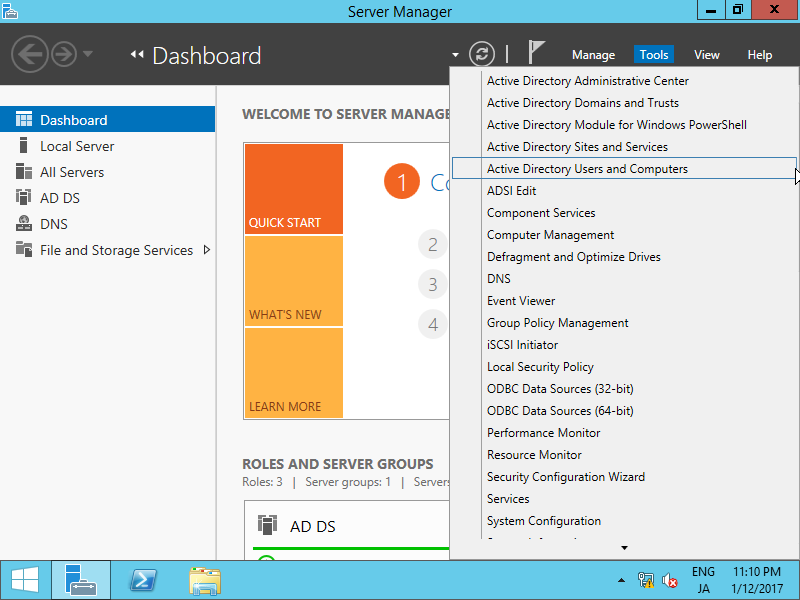
| [1] | Run [Server Manager] and click [Tools] - [Active Directory Users and Conputers]. |
|
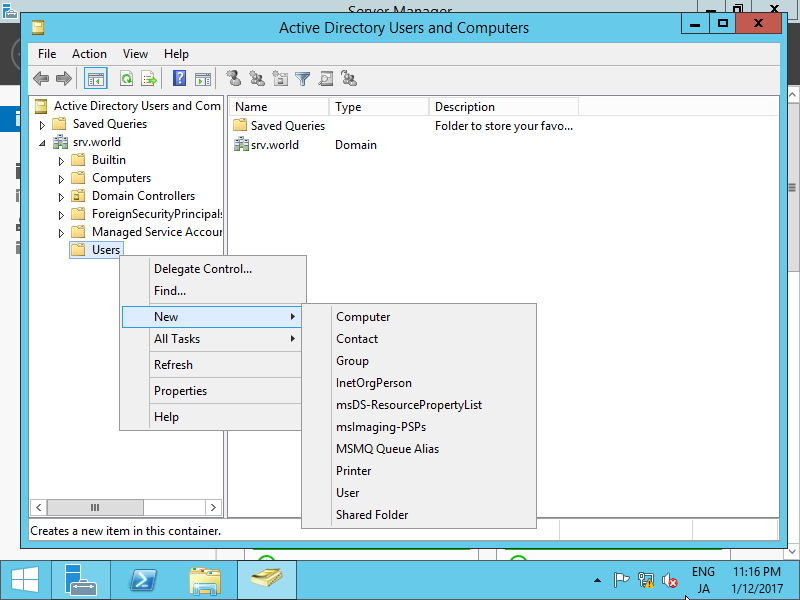
| [2] | Click with right button [Users] on left tree and select [New] - [User]. |
|
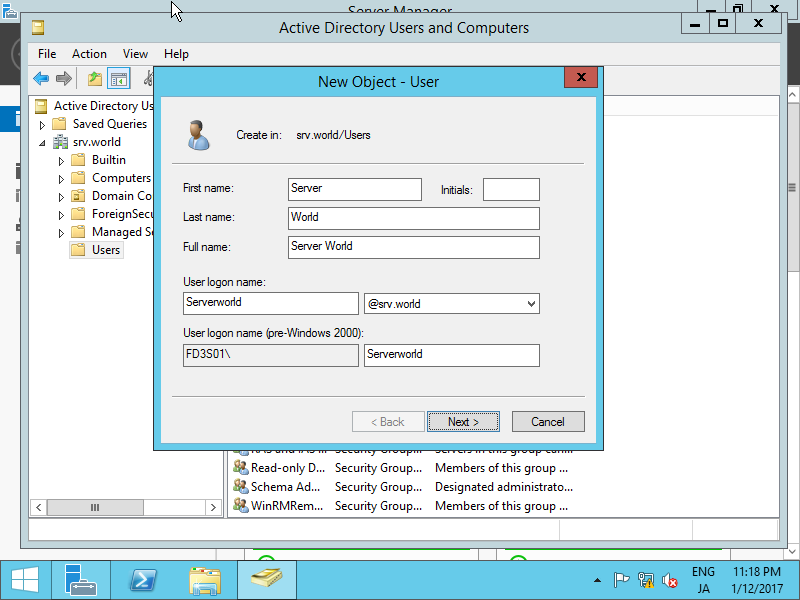
| [3] | Input User name or Logon name for new user. |
|
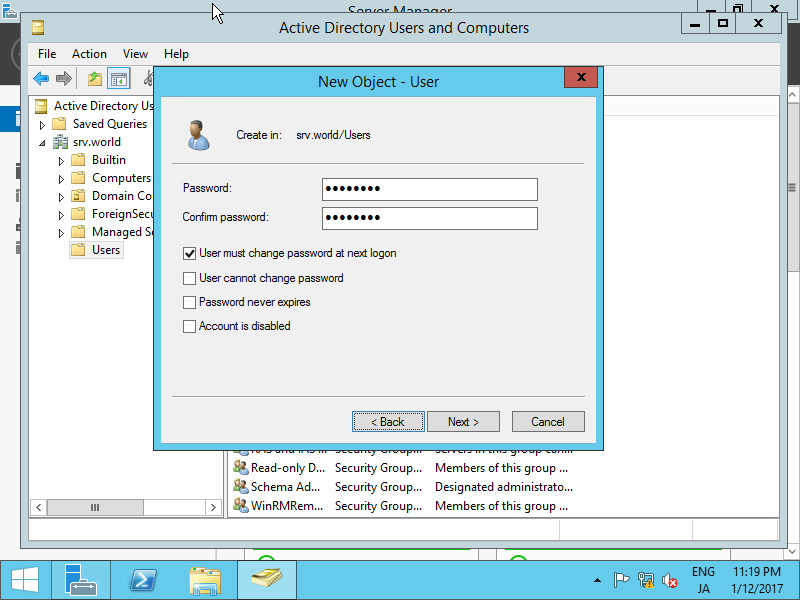
| [4] | Set initial password for new User. |
|
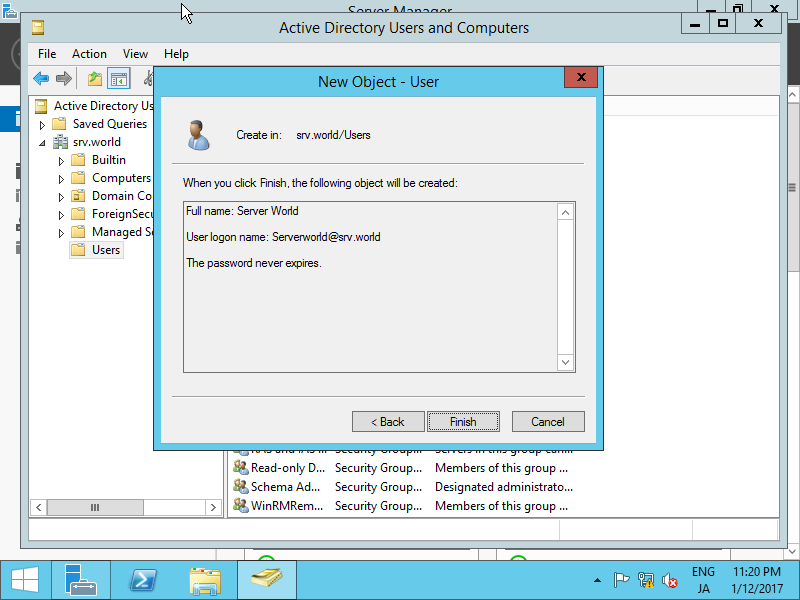
| [5] | Check contents you set and click [Finish] button. |
|
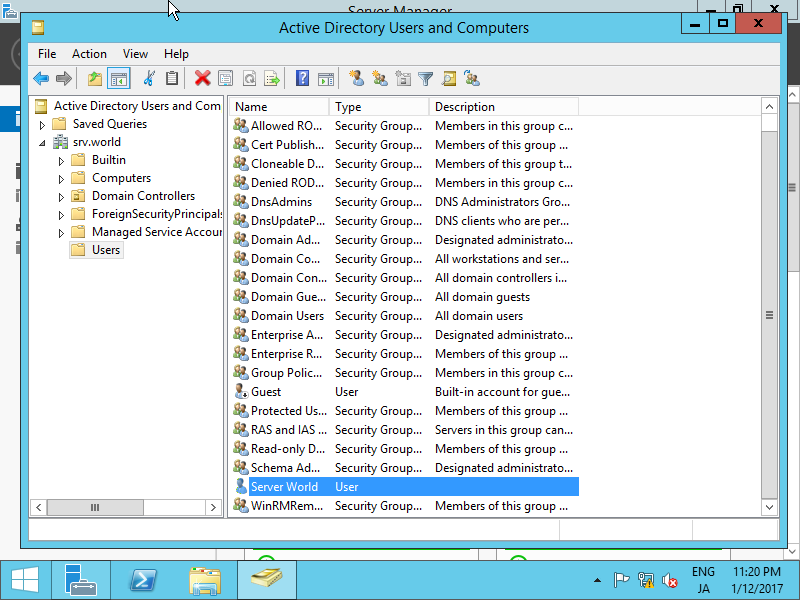
| [6] | A new user is just added. |
|